Thursday, September 14, 2017

Seesaw Updates September 2017

Seesaw made some changes over the summer, and now that we have Seesaw for Schools there are some other things that are slightly different.  The screencast below will walk you through the new features and what you need to know to start the year.


If you want to create folders here are the colors that we have used for the last few years:
Math- Lime Green

Reading-Orange
Science-Brown
Writing-Grey
Fun-Yellow
Spanish-Red
Music-Light Blue
Phy-Ed-Black
Art-Purple
ELL-Aqua

Tuesday, September 12, 2017

Tech Tuesday


I've decided to start a new little project here on Nett on the Net called Tech Tuesdays.  In my position as an instructional coach, I often struggle with how to provide my colleagues with new information in a way that is not overwhelming.  My goal is to write a new post each Tuesday that will provide a tip, trick, or tool to enhance your teaching or make your life as an educator a little easier.

Check back next week for the first installment of Tech Tuesday!

Friday, May 19, 2017

iMovie Book Trailer

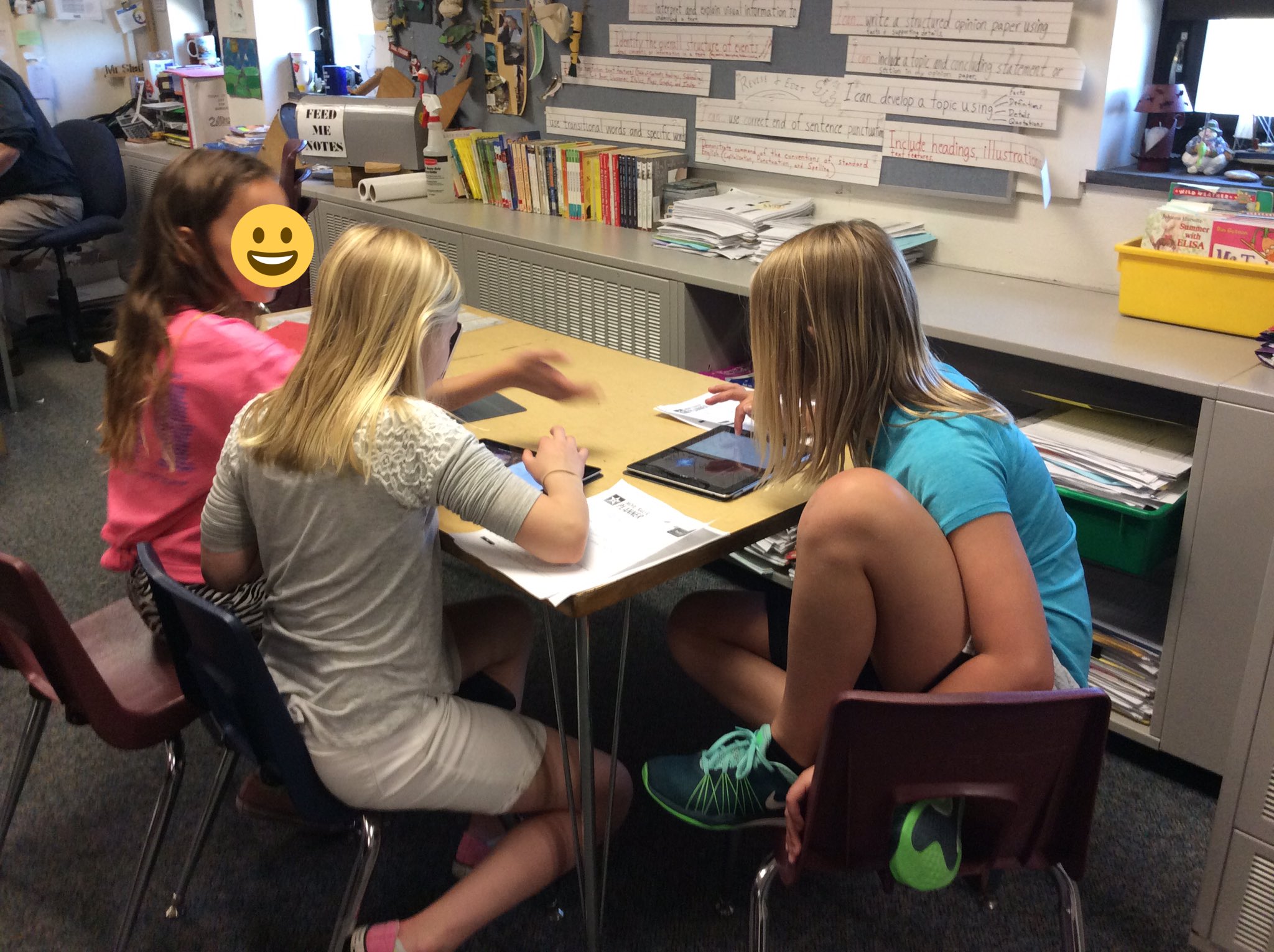
Fourth graders are great at using their chromebooks, but when the carts had to be shuffled around for testing, we decided to try out an project on the ipads.  The teacher wanted his students to showcase a book they had read, and iMovie was the perfect platform to let them do that.  We choose to have them create book trailers that would summarize the book they read, and give others in the class ideas for reading over the summer.
Thanks to Learning in Hand with Tony Vincent, the students were able to plan what their book trailer ahead of time.
Once they got on the ipad it was easy to create their iMovie project.  The projects turned out great!  The students loved creating them, some even did two projects! Being able to view the trailers their friends had created was a great way to end this fun project.

Friday, March 10, 2017

STEM Fair

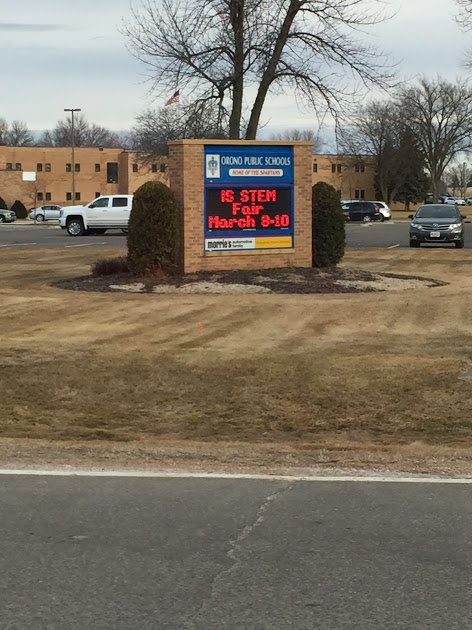
Orono Intermediate School hosted a STEM Fair this spring. Students in grades 3-5 were invited to participate by completing a project to showcase their inquiry skills and creative genius.  We saw everything from car engines to rockets to slime, and even the physics of bottle flipping! The STEM Fair concluded with an awesome presentation from Minnesota Physics Force.  


Nearly 200 Intermediate School students participated, and were interviewed by high school AP students.


The Intermediate students got to explain their projects and show off all their hard work to their high school peers.  This interview process provided a really neat opportunity to create community between elementary and high school students. 


Thank you to all of the elementary participants, high school interviewers, parent volunteers, teachers and staff for making this a great event for our students!

Tuesday, February 21, 2017

Adding Events to a Shared Calendar

Google Calendars are great for shared spaces.  We will be using this for scheduling purposes in the IDEA Lab.  If you are unsure of how to add an event to a shared calendar be sure to check out this short tutorial.

IDEA Lab

At Schumann this year we rolled out a very exciting project, we call it the IDEA Lab.  

Imagine
Design
Explore
Ask

Our original idea was to have a makerspace, but after conversations with stakeholders we decided to go a slightly different direction.  I am not quite sure what you would call it, but we have 11 different tools for student to use to explore a variety of programming, engineering, robotics and science concepts.  Our PTO graciously donated the funds for us to purchase Bee-bots, Circuit Scribes, Cubelets, K'Nex, LittleBits, MakeyMakeys, mBots, Ozobots, Puzzlets, Snap Circuits, and Spheros.  
   

Our tools are organized into boxes complete with directions and challenges. Since the students who use the tools are K-2 all of the directions and challenges are in videos.  Equipped with their ipad and qr code reader, even non-readers can independently learn how to use all the different tools. The hope is that students will practice the 4Cs (Creativity, Critical Thinking, Collaboration, and Communication) that we know to be so important to their futures in academics and professional life.  

We also hope that student have FUN while learning!  

Sunday, December 4, 2016

Google Forms for Assessment

There have been some updates to Google Forms to make it easier than ever to use for formative assessment. Teachers can create questions with images in the question or answer, which makes this tool idea for young learners. Using their iPad or Chromebook, students can use forms to answer questions to provide evidence of progress toward learning targets. The teacher can see student responses in real time, and use this data to drive instruction.

Demo Quiz